
For couples, roommates & families
Your whole home, in one calm app
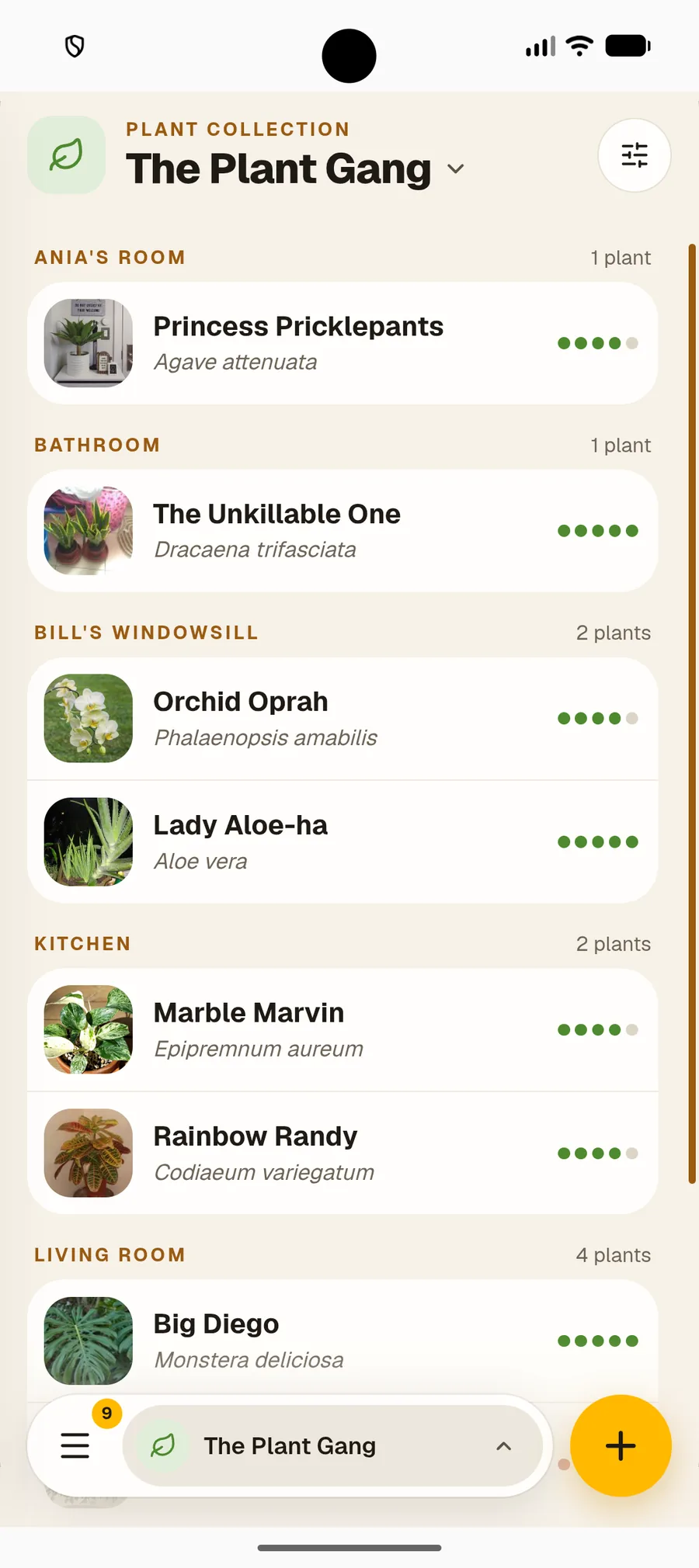
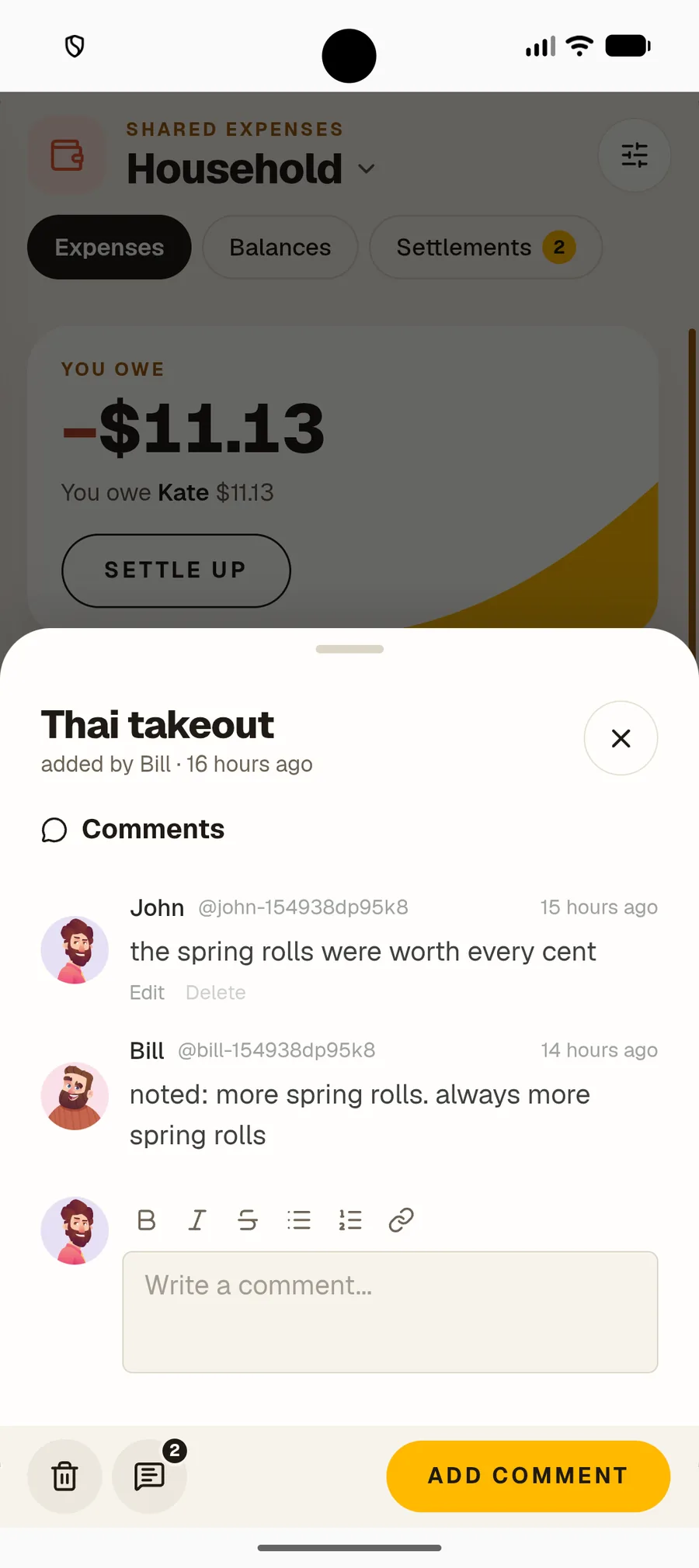
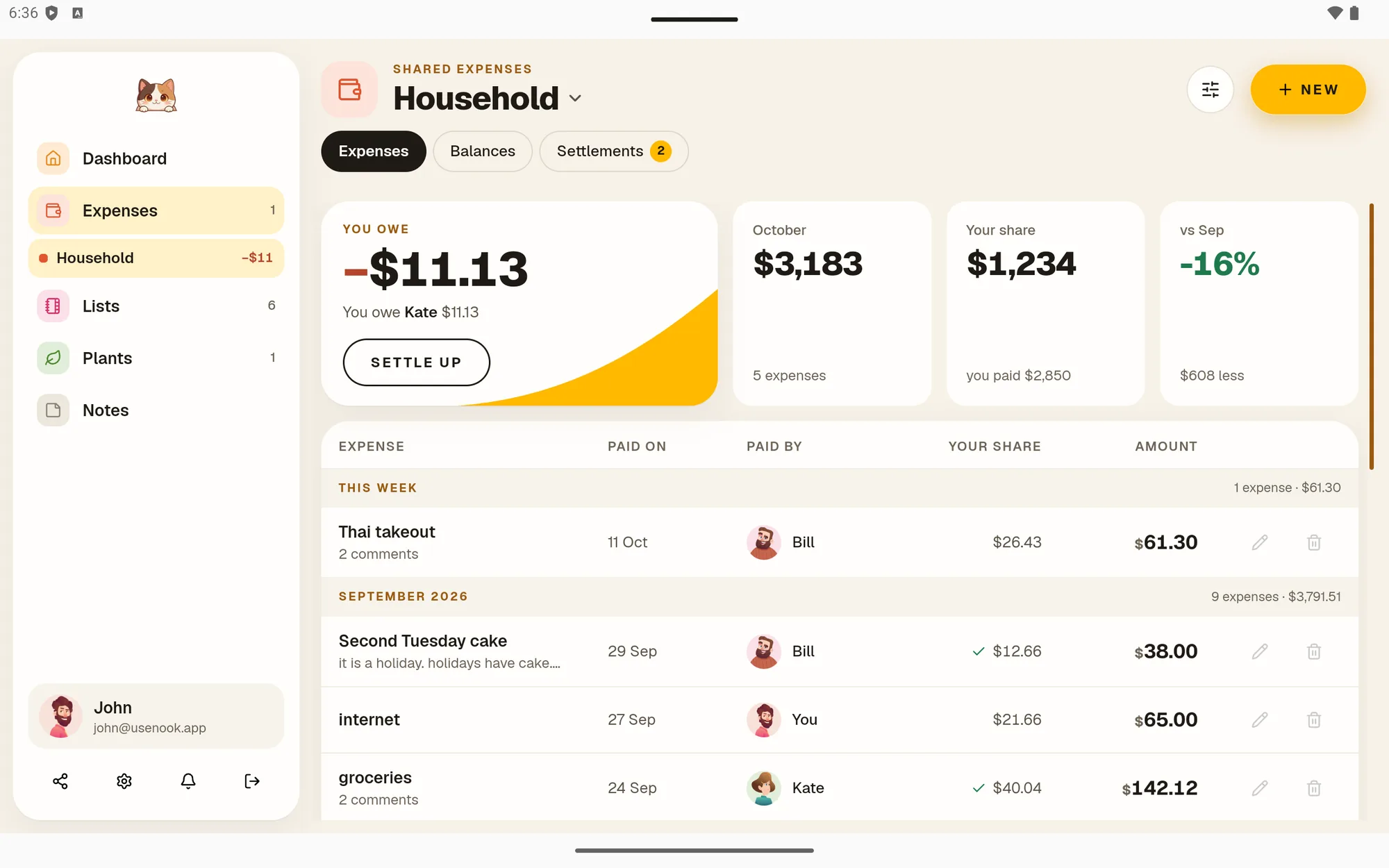
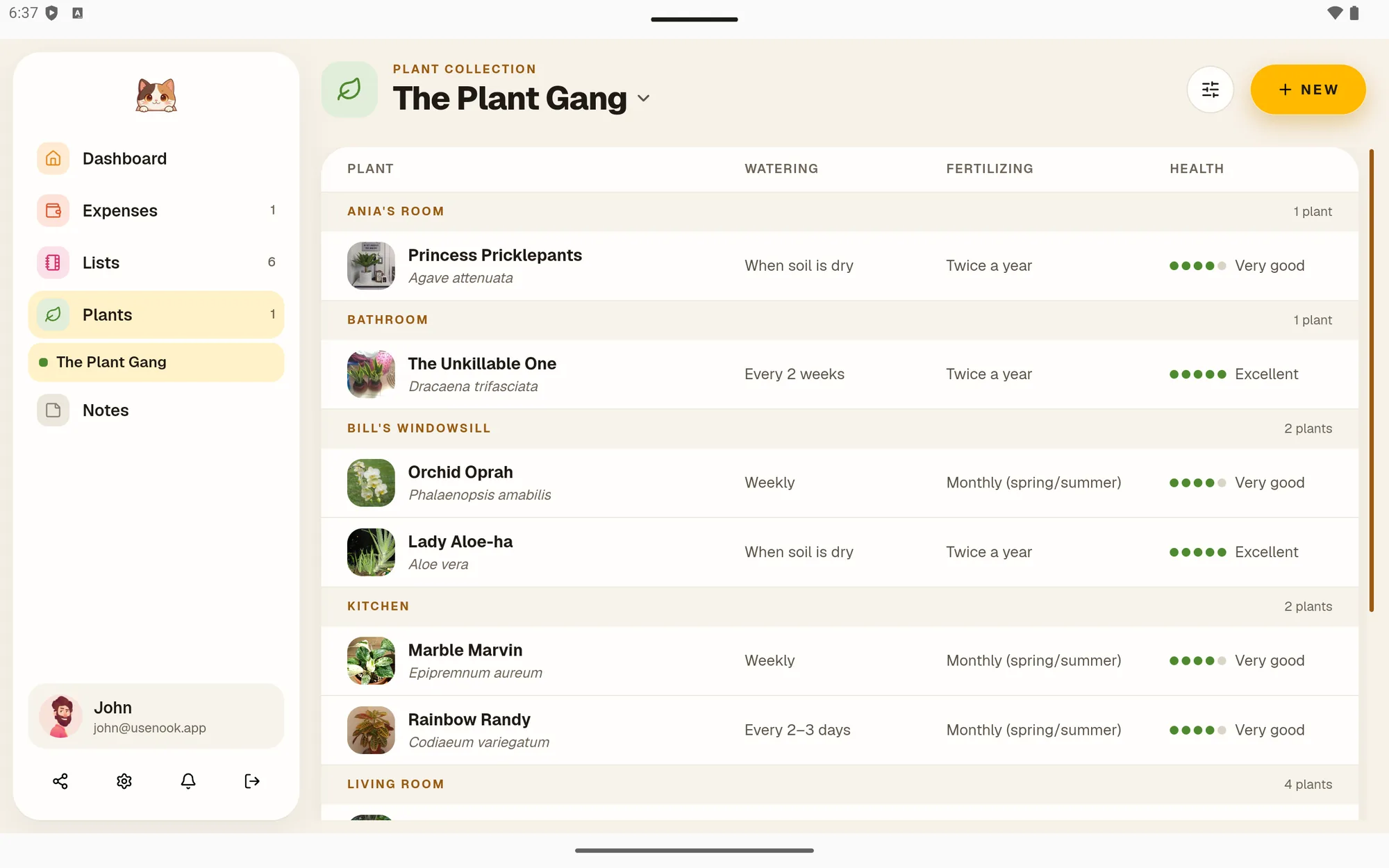
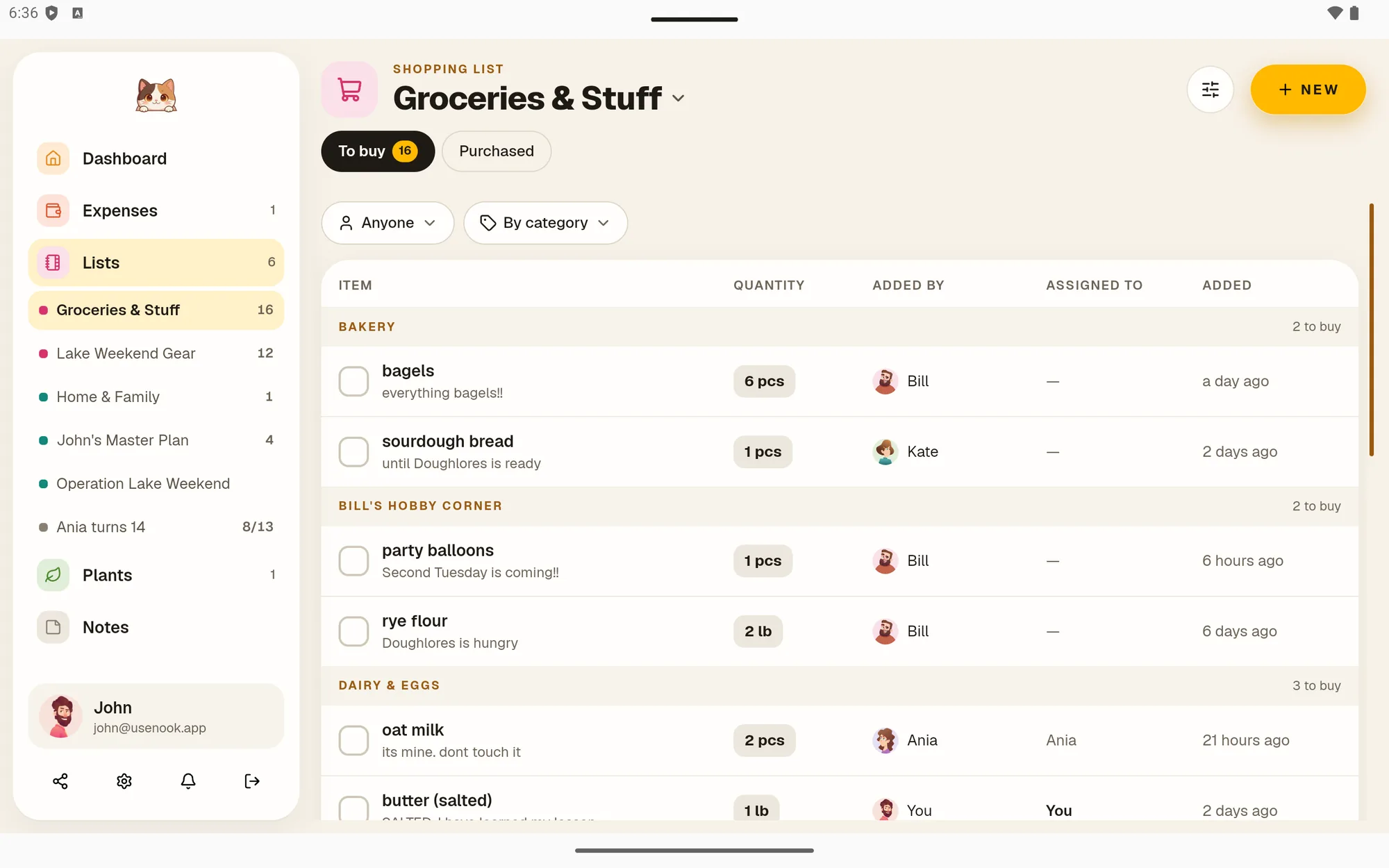
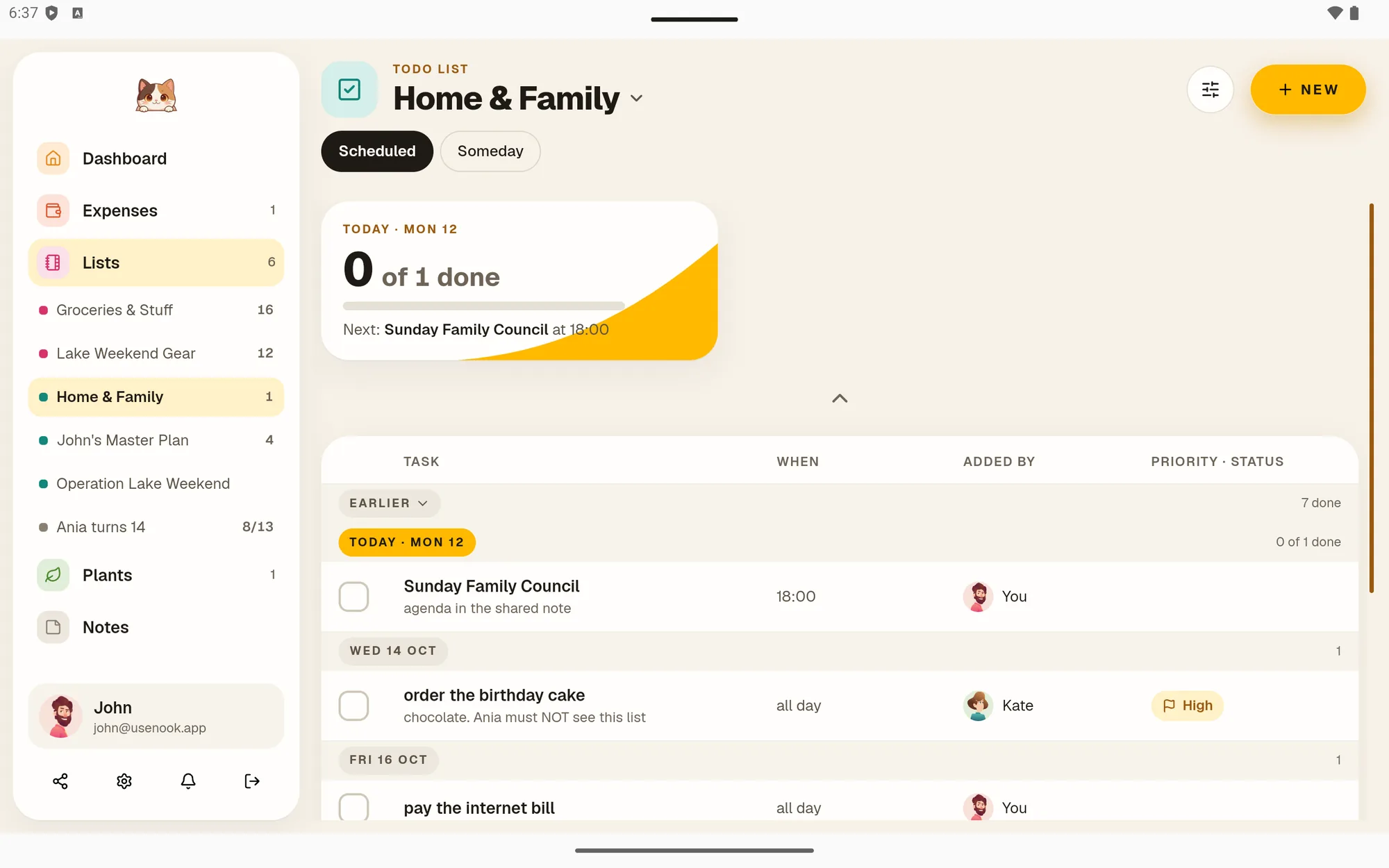
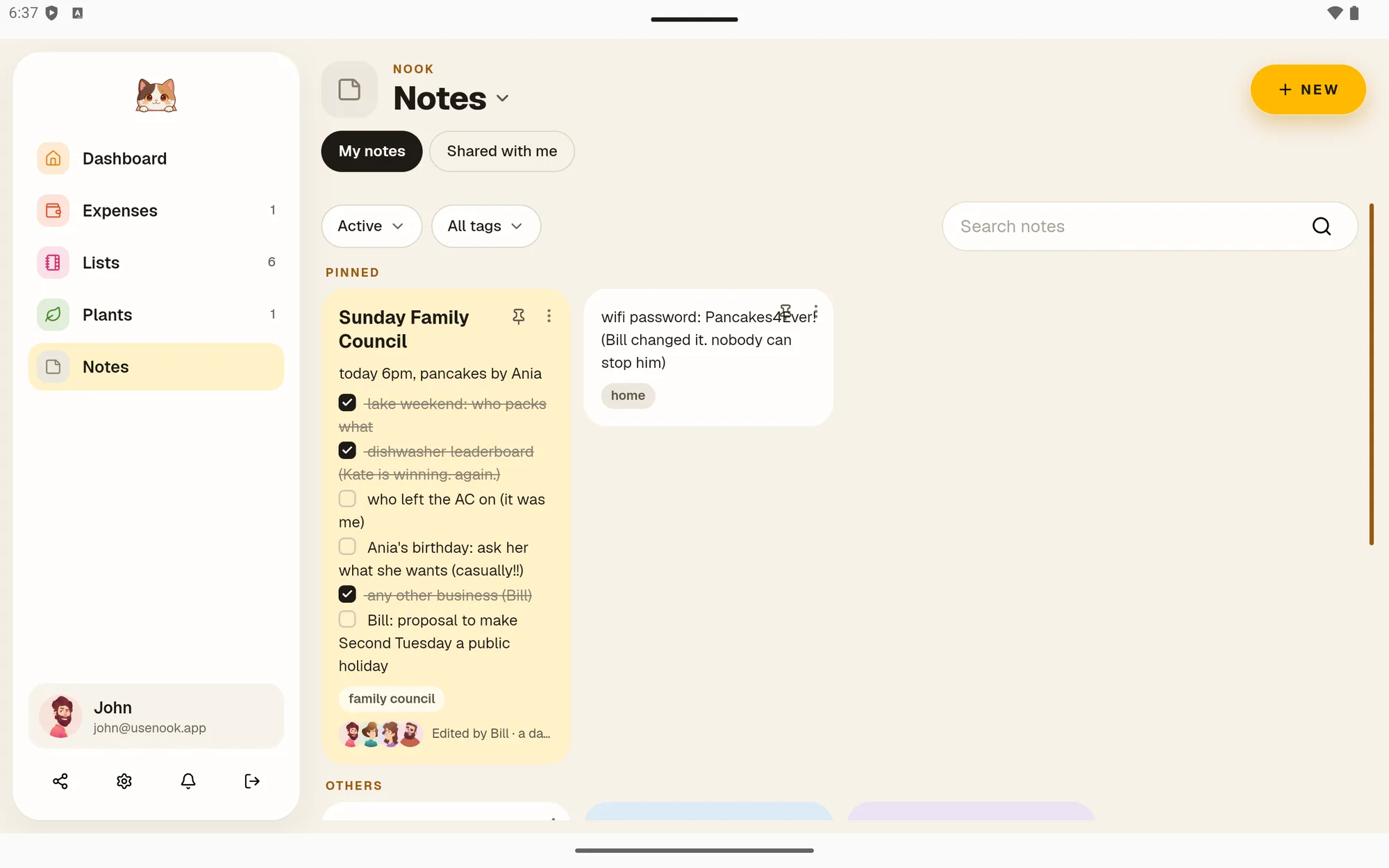
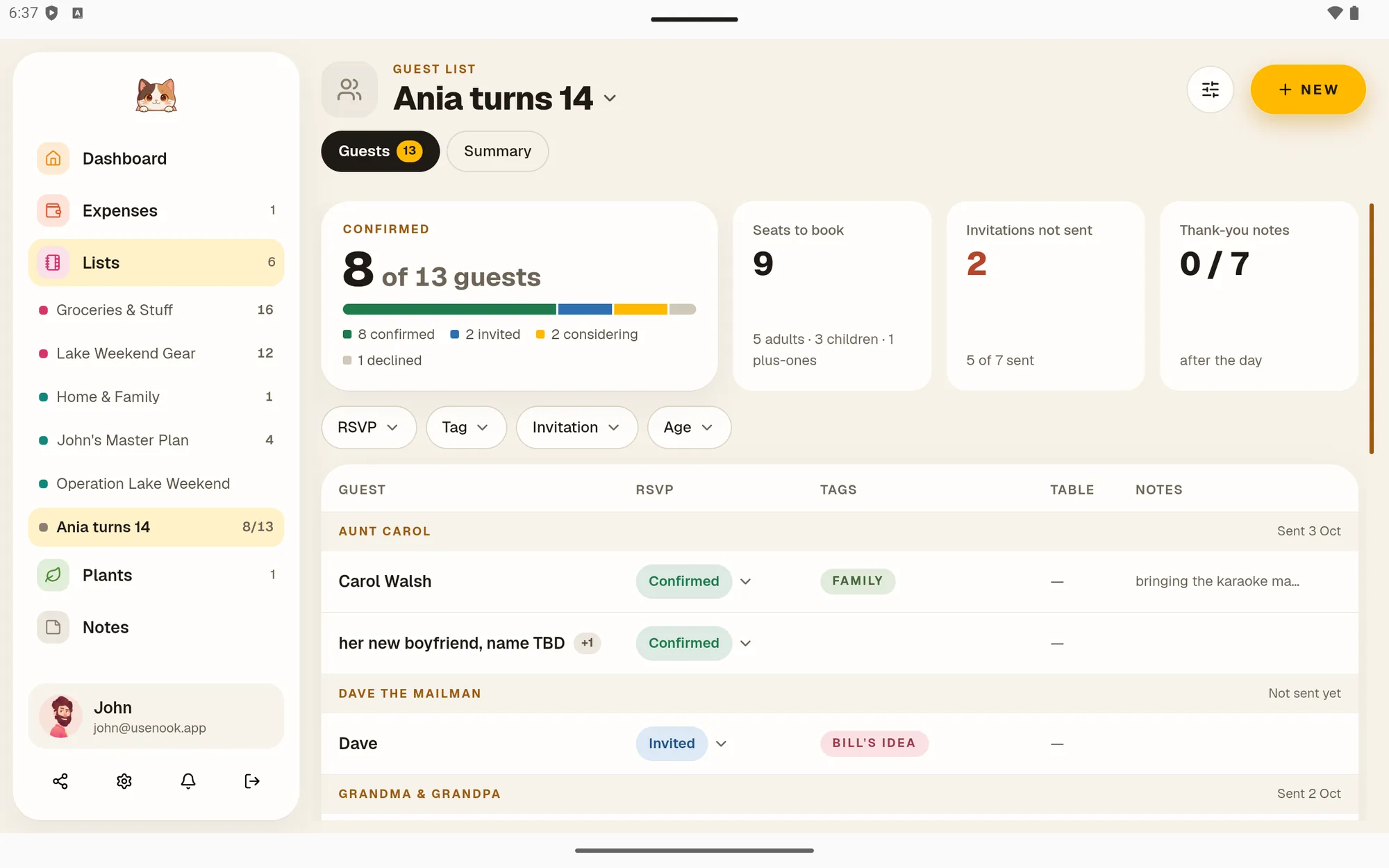
Split bills fairly, name every plant with a photo, and share shopping lists, chores, notes and guest lists with the people you live with. On Android, in any browser, and soon on iPhone.
30-day free trial, no card needed. Then $25 a year, billed once a year.

How it works
Everything in one place, ready when you are
-
 01
01Set everything up
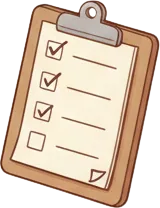
Add your plants, a shared expense or a grocery list. Takes a few minutes. Everything saves automatically.
-
 02
02Come back any time
Settle up, tick off a chore, adjust watering schedules. From your phone or laptop, wherever you are.
-
 03
03Share with your people
Invite your partner, family, roommates or flatmates to a list. Everyone sees the same thing, live.



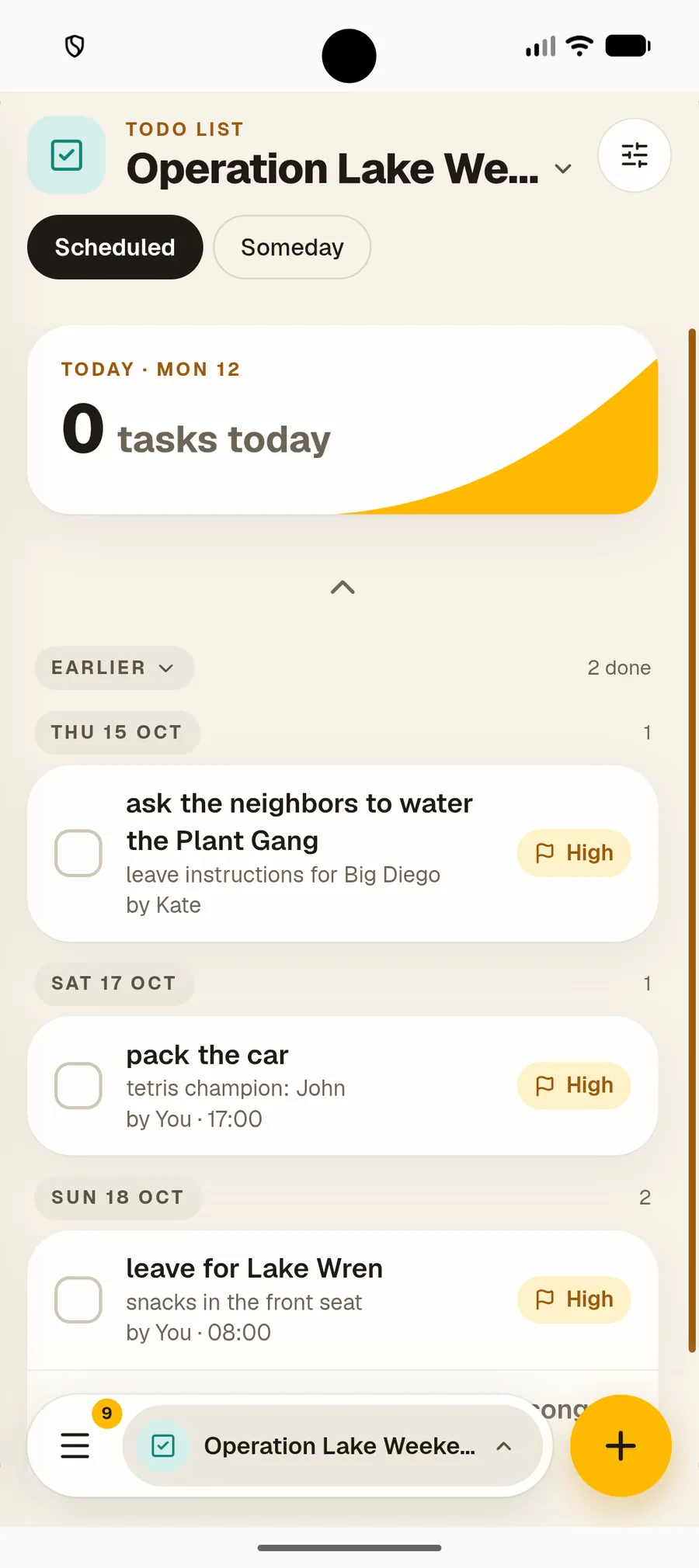
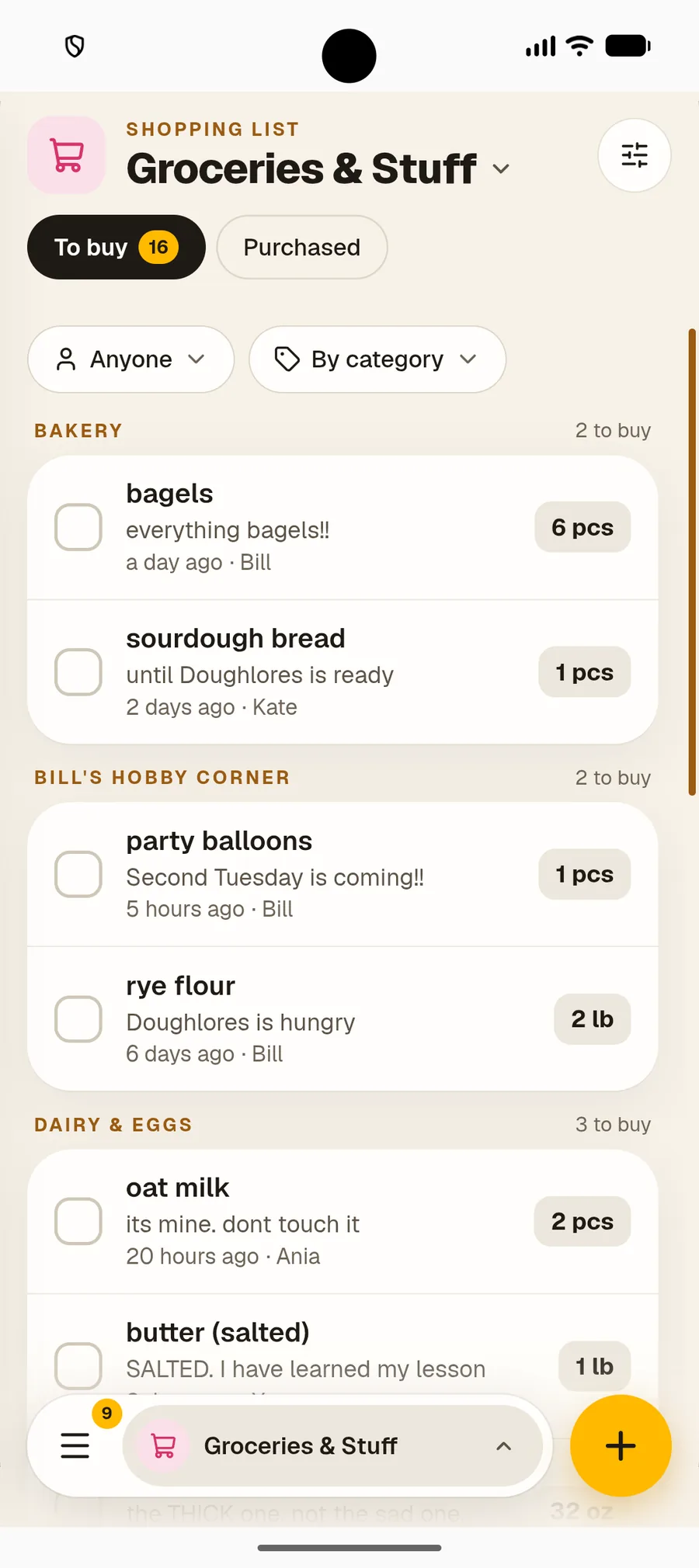
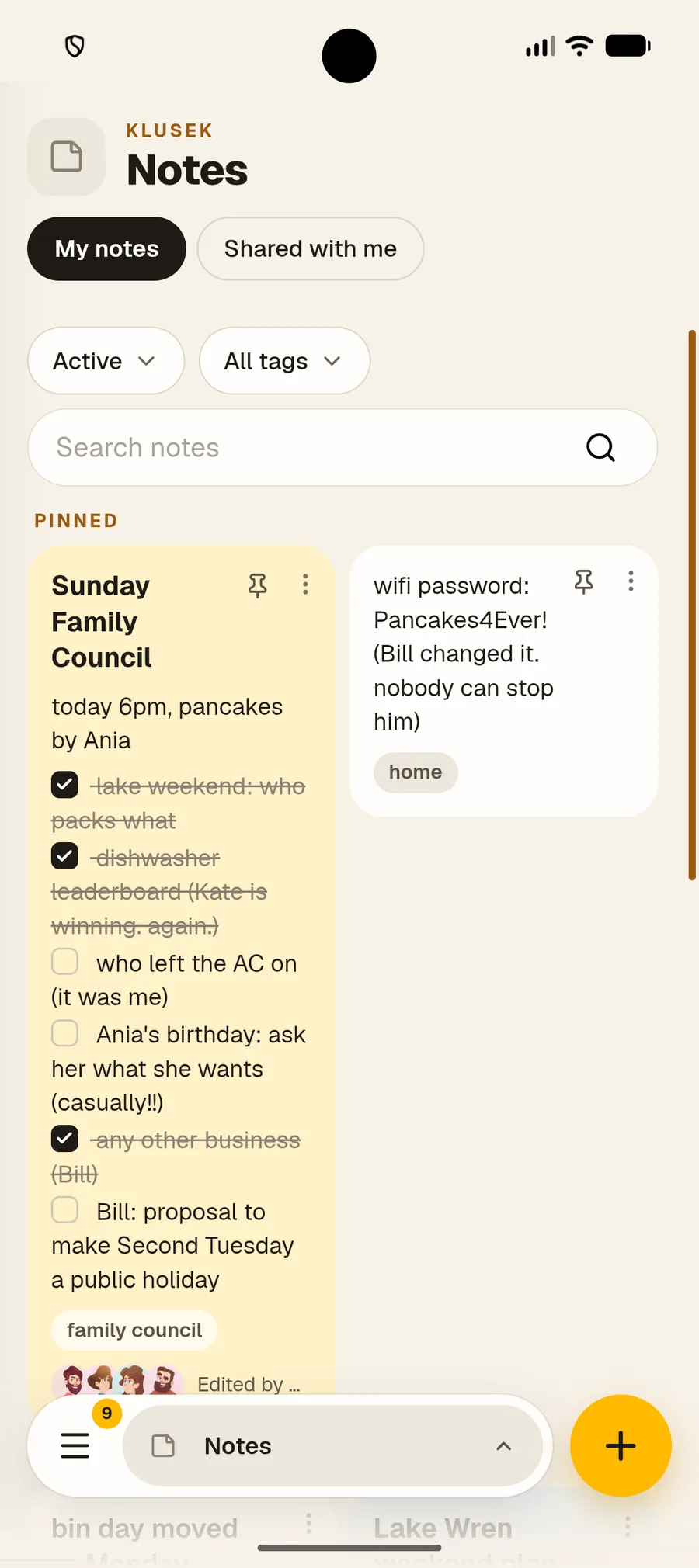
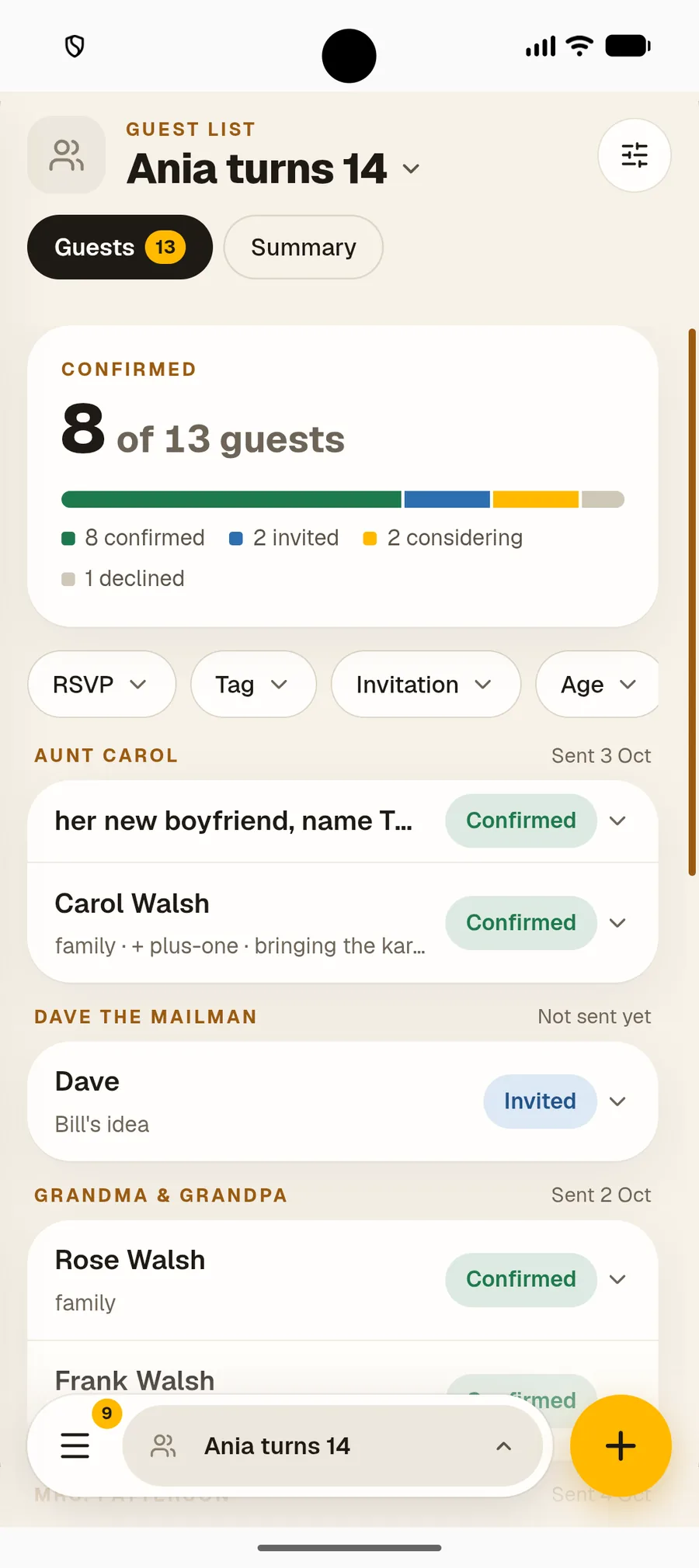













What's inside
Six tools. One app.
Use only what fits your life. Everything stays in sync.


Common questions
Good to know before you start
Is it $25 a month or $25 a year?
$25 a year. You pay once a year, which works out to about $2.08 a month, for every module.
Is Nook free?
Nook has no ads and no free tier. Every new account gets a 30-day free trial with full access and no card needed. After that it's $25 a year for everything.
Does my partner or do my roommates have to pay?
No. Only one subscription is needed. Invite your partner, family or roommates for free — they get full, unlimited access to everything you share with them. To create their own lists, expenses or plants, they need their own subscription.
Can we split bills by percentage, not just 50/50?
Yes. Split any expense equally or by percentage, for example 60/40 by income. Nook keeps a running balance of who owes whom.
How does plant identification work?
Take a photo and Nook's AI suggests the plant and fills in its details, then you set its watering schedule. It doesn't diagnose plant diseases.
Is there an app for Android and iPhone?
Android, yes: get Nook on Google Play. The iPhone app is on its way. Until then, use Nook in Safari on your iPhone or iPad, or add it to your home screen.
What happens to my data if I stop paying?
Your data is not deleted. You lose access, but everything is waiting for you when you renew, even months later. The only exception is if you delete your account, in which case your data is permanently deleted.