
Download
Nook in your pocket
Get the Android app on Google Play, or use Nook in any browser on your laptop. The iPhone app is on its way.
Same account and data on every device.
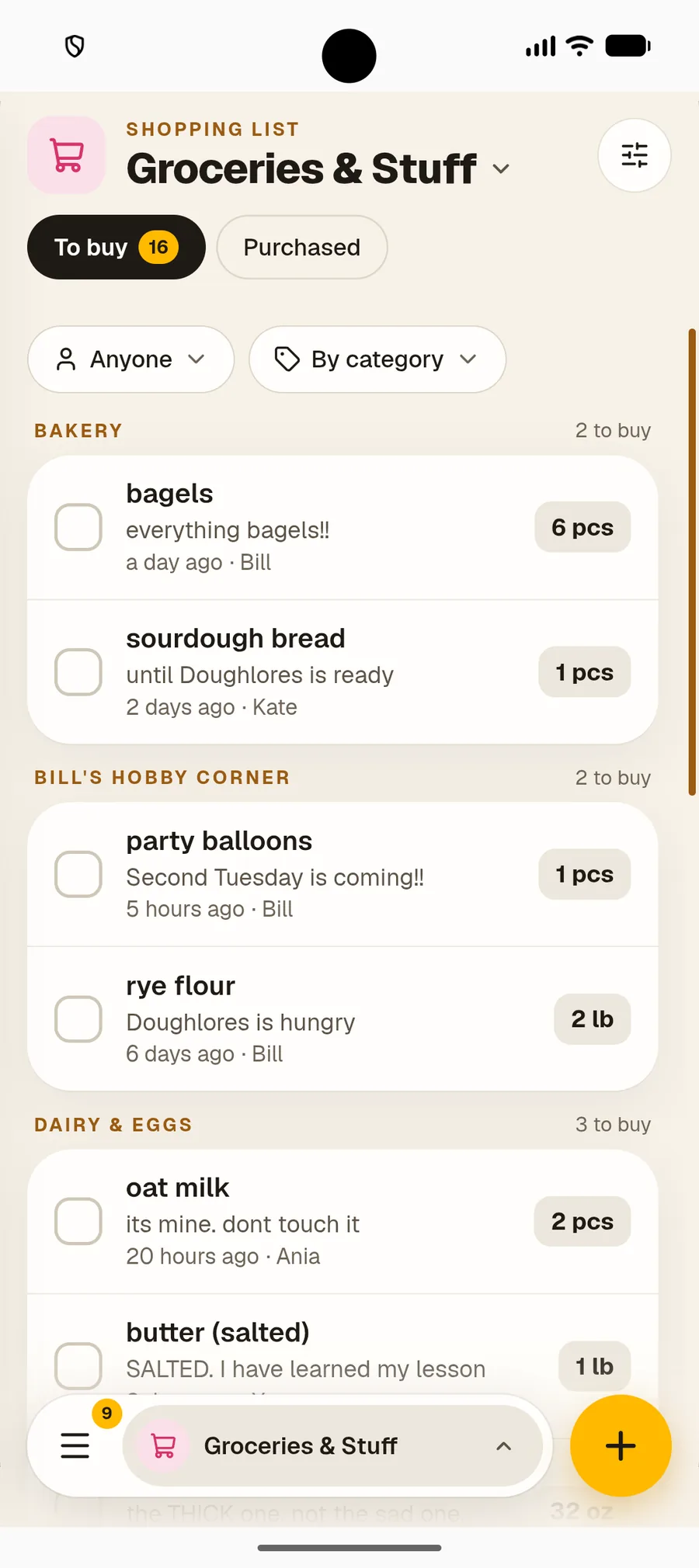



Every device
Three ways to use Nook

Android app
Get Nook from Google Play. Same account and data as in your browser.
Get it on Google Play →
Any browser
Open usenook.app on a laptop or tablet. Nothing to download.
Open the web app →
iPhone & iPad
The App Store version is on its way. Until then, add Nook to your home screen from Safari.
How to add it →
Web app
Add Nook to your home screen
It opens full-screen in its own window and feels like an app from a store. Log in to Nook first; the install option only appears inside the app.
Add Nook on iPhone & iPad
Use Safari. Adding to the home screen doesn’t work in Chrome or Firefox on iOS.
- 1
Open Nook in Safari
Go to usenook.app/app in Safari and log in to your account.
- 2
Tap the Share button
At the bottom of the screen, tap the Share button. It looks like a square with an arrow pointing up.
- 3
Tap “Add to Home Screen”
Scroll down in the share sheet and tap “Add to Home Screen”.
- 4
Tap “Add”
Confirm in the top right corner. The Nook icon appears on your home screen.
Add Nook on Android
Chrome, Samsung Internet and Edge can install the web app.
- 1
Open Nook in Chrome
Go to usenook.app/app in Chrome and log in to your account.
- 2
Install from the banner or menu
Tap the “Install app” banner at the bottom. No banner? Open the three-dot menu ⋮ and choose “Add to Home screen”.
- 3
Tap “Install”
Nook appears in your app drawer and on your home screen.
Add Nook on your computer
Works on macOS, Windows and Linux in Chrome or Edge. Firefox doesn’t support installing web apps.
- 1
Open Nook in Chrome or Edge
Go to usenook.app/app and log in to your account.
- 2
Click the install icon
Look for the small screen-with-arrow icon on the right of the address bar. Or open the browser menu and choose “Install Nook”.
- 3
Click “Install”
Nook opens in its own window, without browser bars, and is added to your taskbar, Dock or app launcher.
Devices
Questions about devices
Is there a Nook app for iPhone?
+
The iPhone app is on its way. Until then, use Nook in Safari or add it to your home screen. It opens full-screen, like an app from the App Store.
Is my data the same on every device?
+
Yes. Your data is stored in your account, not on the device, so your phone, tablet and laptop always show the same lists.
Do I need to download anything on my laptop?
+
No. Nook runs in any modern browser. Installing it as a web app is optional and takes about 10 seconds.
Why can’t I see the install option?
+
Log in first. The install option only appears inside the app at usenook.app/app, not on this website.

No account yet?
Start your free trial
30 days of full access, no card needed. Then $25 a year for every module.